Quick Start
A quick start guide for beginners. When using OneMux for the first time, register, add funds, create an sk key, and then view the documentation based on your intended use.
Register, Add Funds, and Create an API Key
- 1
- 2
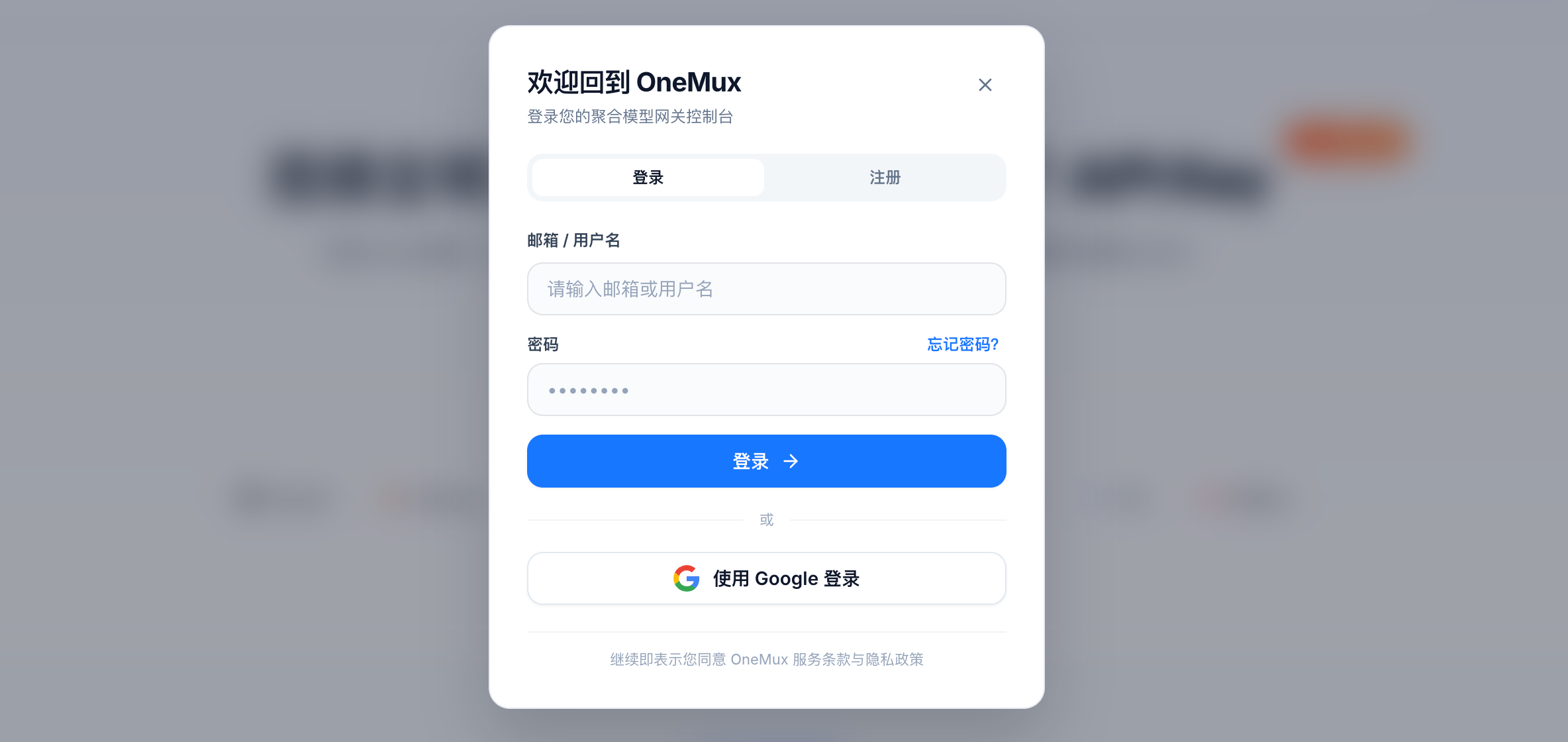
Click 【Log In/Register】 in the upper-right corner
- 3
Create an account or register and log in with a Google account
- 4
Go to the console and click Billing Center
- 5
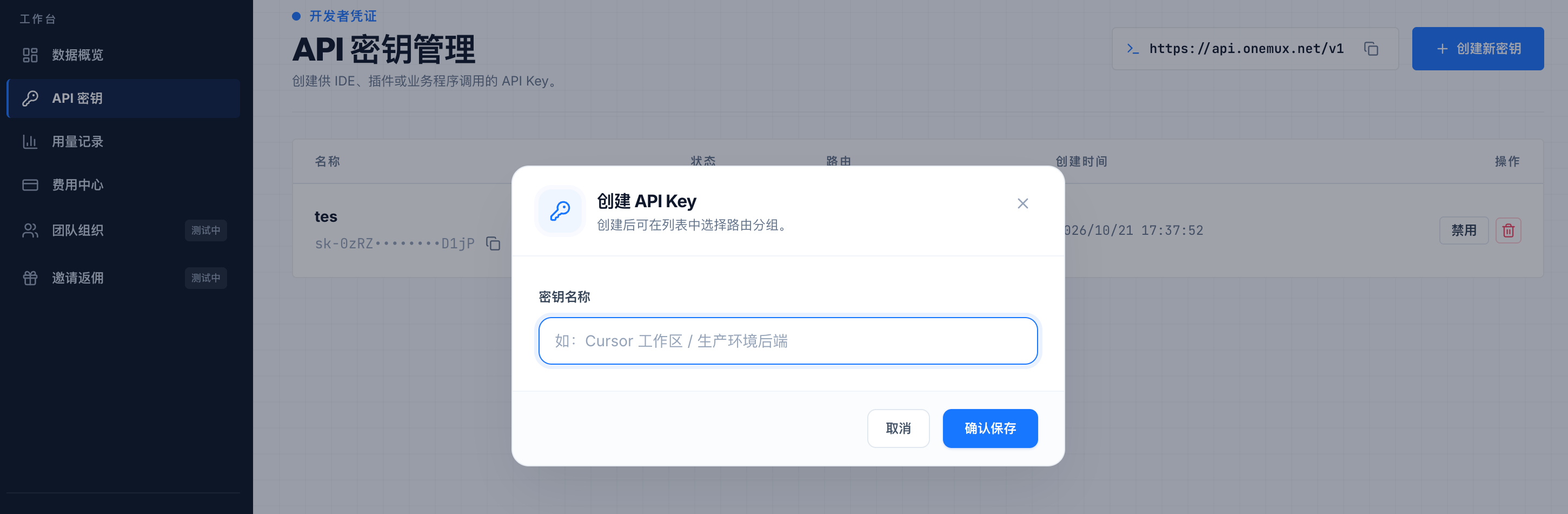
Click 【API Keys】 in the console to create a key